Customizing the Registration Process

In our latest update we introduced functionality so that you can customize content throughout the registration process for your participants. This blog article outlines what can be customized and steps on how to customize each section.
Event List – Description
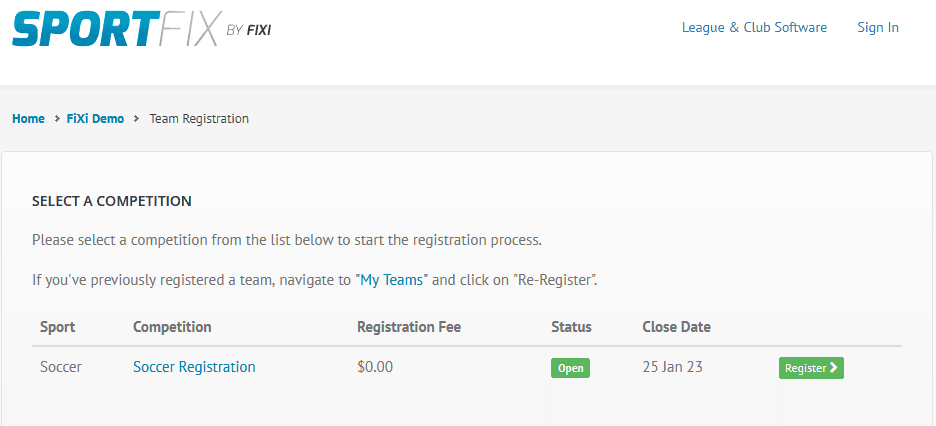
When a participant clicks to Register a New Team, they are presented with a description, and a list of competitions to register. The description displayed by default is as follows:
“Please select a competition from the list below to start the registration process.”
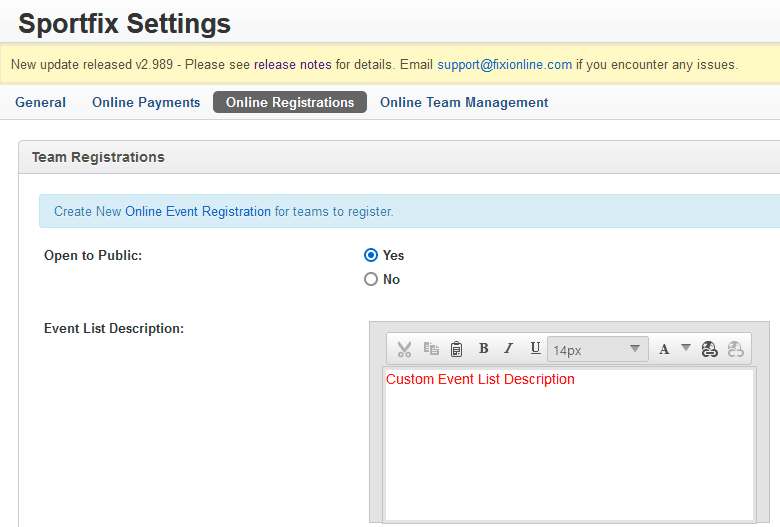
You can change this content by navigating to Sportfix –> Settings, by then clicking on the Online Registrations tab and then adding text to the Event List Description field.
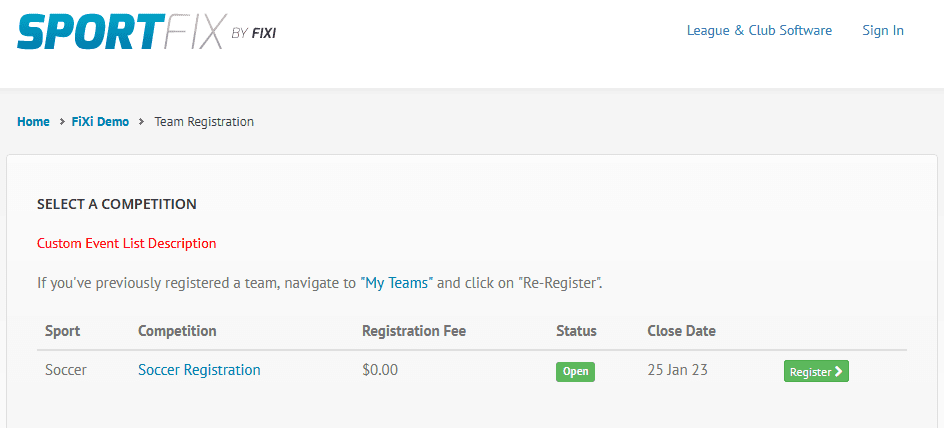
Once this change is made it will be displayed as follows:
Team Registration – Overview Content
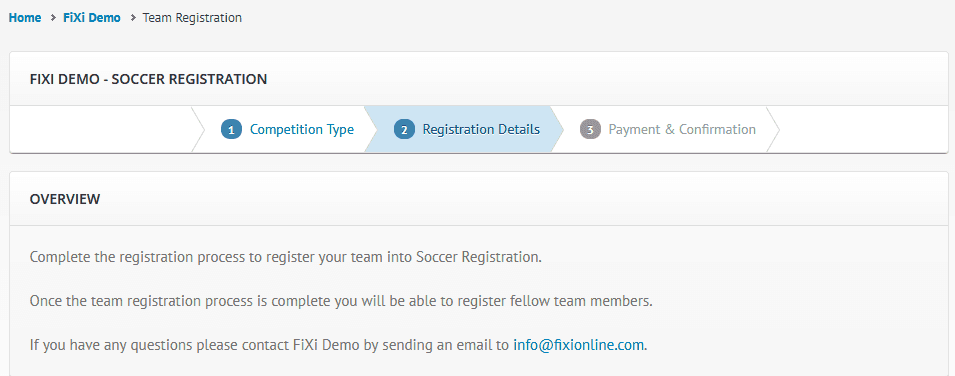
When the participant is required to begin entering registration details for their team, there is an overview box with the following content by default:
If you edit the event, navigate to the bottom of the popup dialog and then expand the More Options panel. You will see four content boxes for you to enter text: Overview, Confirmation, Registered Notice & Email Notice. Entering text in the “Overview” text area will override the default content that is currently presented to participants.
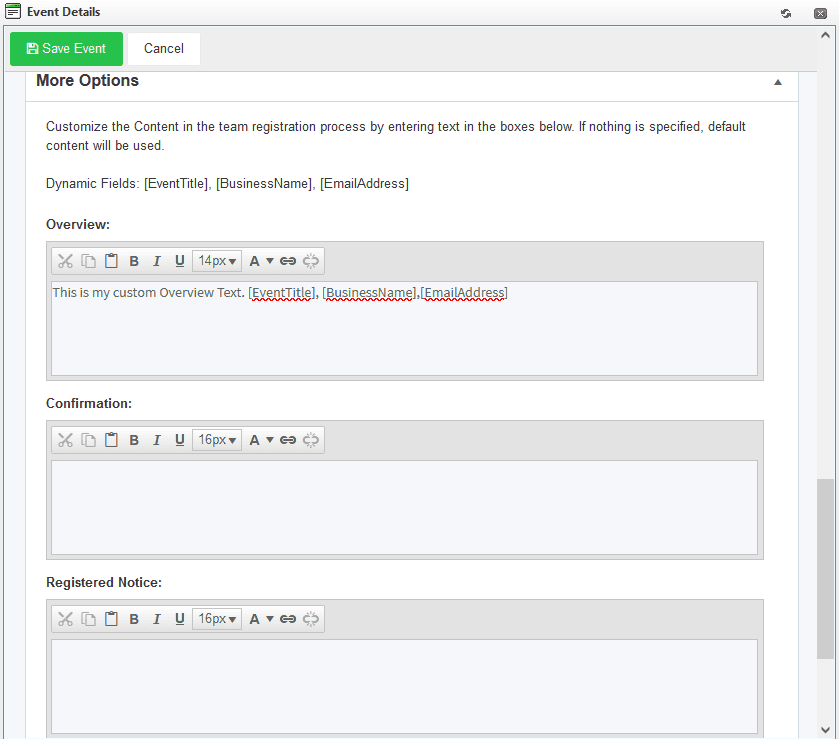
Here is how it will look to each participant, after the change:
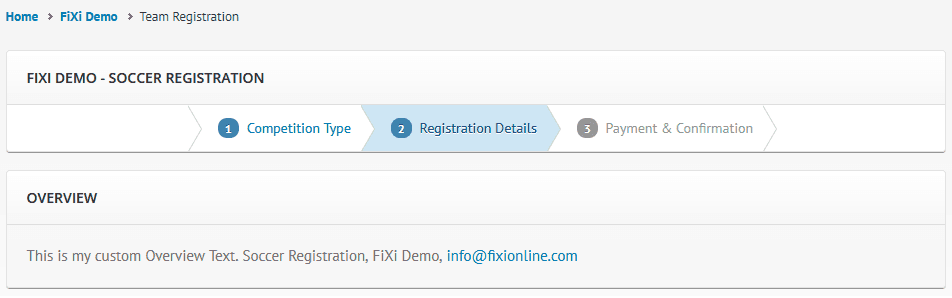
Please note we have included 3 dynamic fields: [EventTitle], [BusinessName], [EmailAddress] which can be used as illustrated above.
Team Registration – Confirmation Content
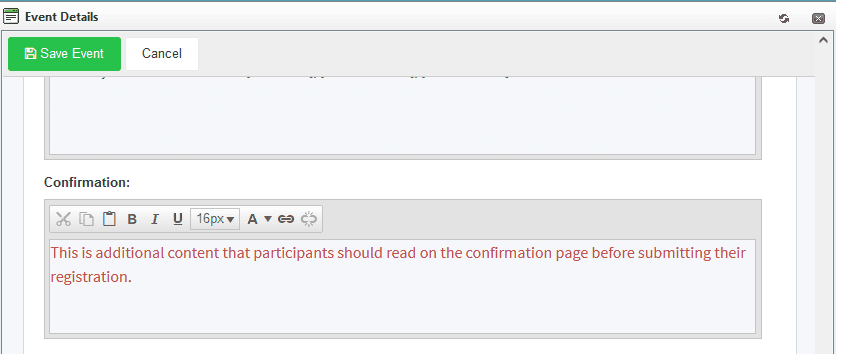
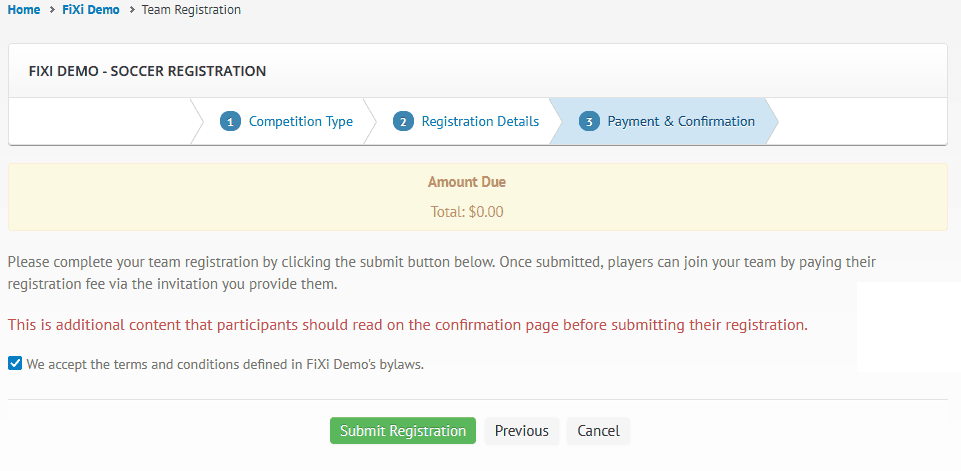
Unlike the above customization options, the “Confirmation” text area box in the Event Details dialog, does not replace text, instead it adds additional content to the team confirmation page. Here is an example:
Team Registration – Successfully Registered Notice
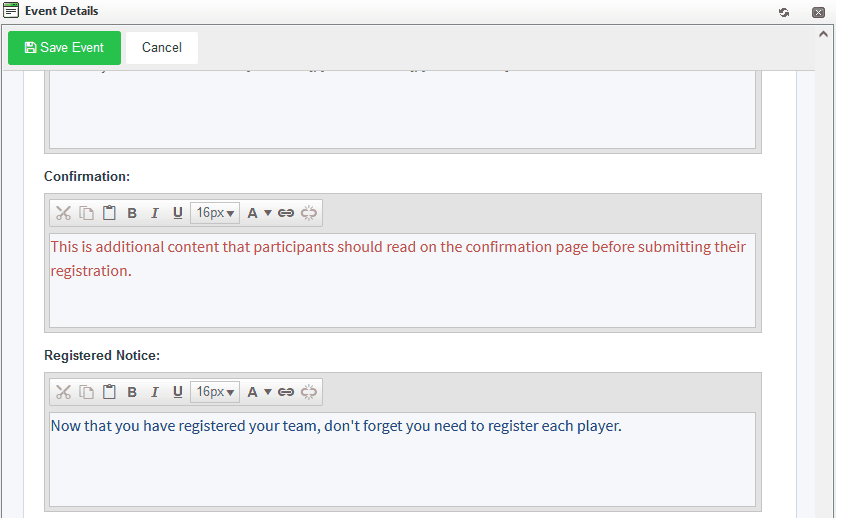
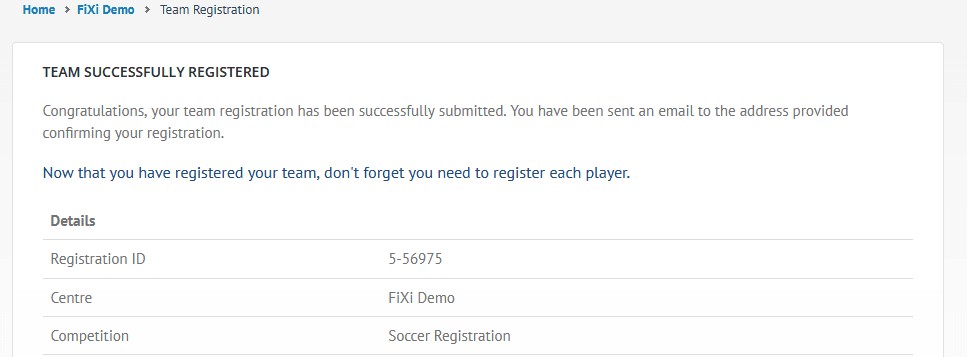
Similar to the additional Confirmation content, the Registered Notice is additional content that can be added to the team successfully registered page. Here is an example:
Team Registration – Email Notice
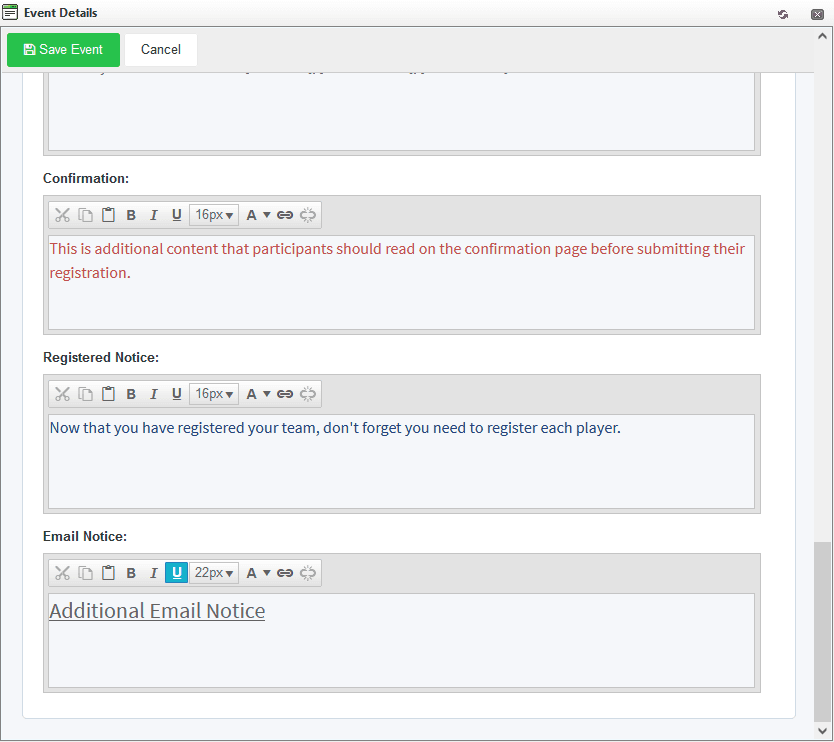
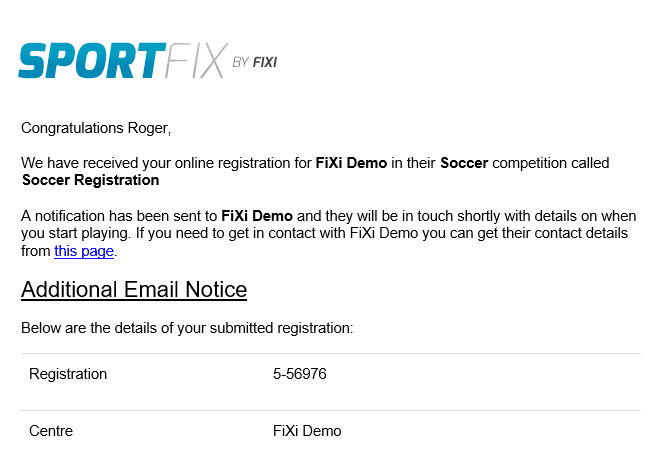
Finally, you can add additional content to the email notice that is sent out to the participant that has registered. Here is an example:
Player Registration – Overview & Email Notice
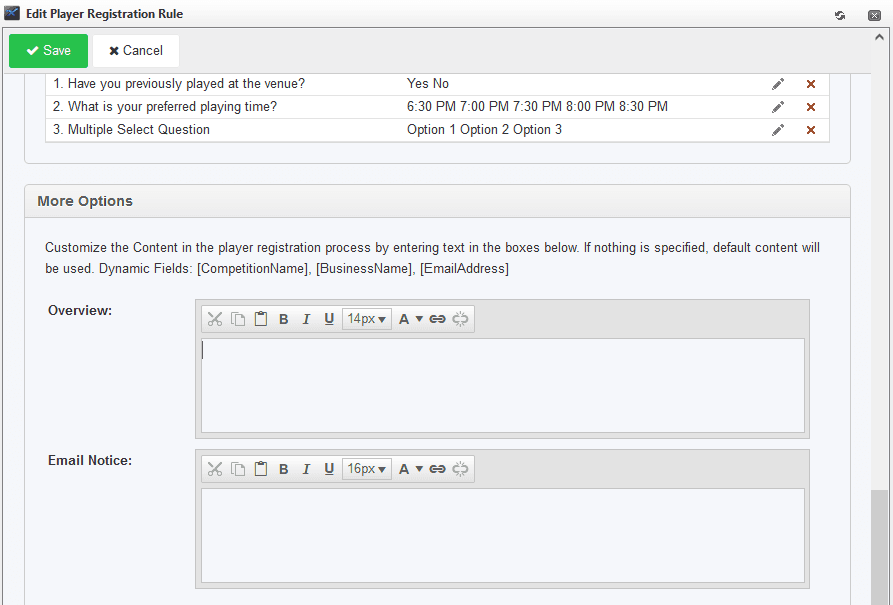
Similar to the team registration overview, the overview displayed for the player registration process can also be changed. In addition, content can be added to the player registration email notice. This content can be accessed in the player registration rule: